CWWK OPNSense Appliance Test
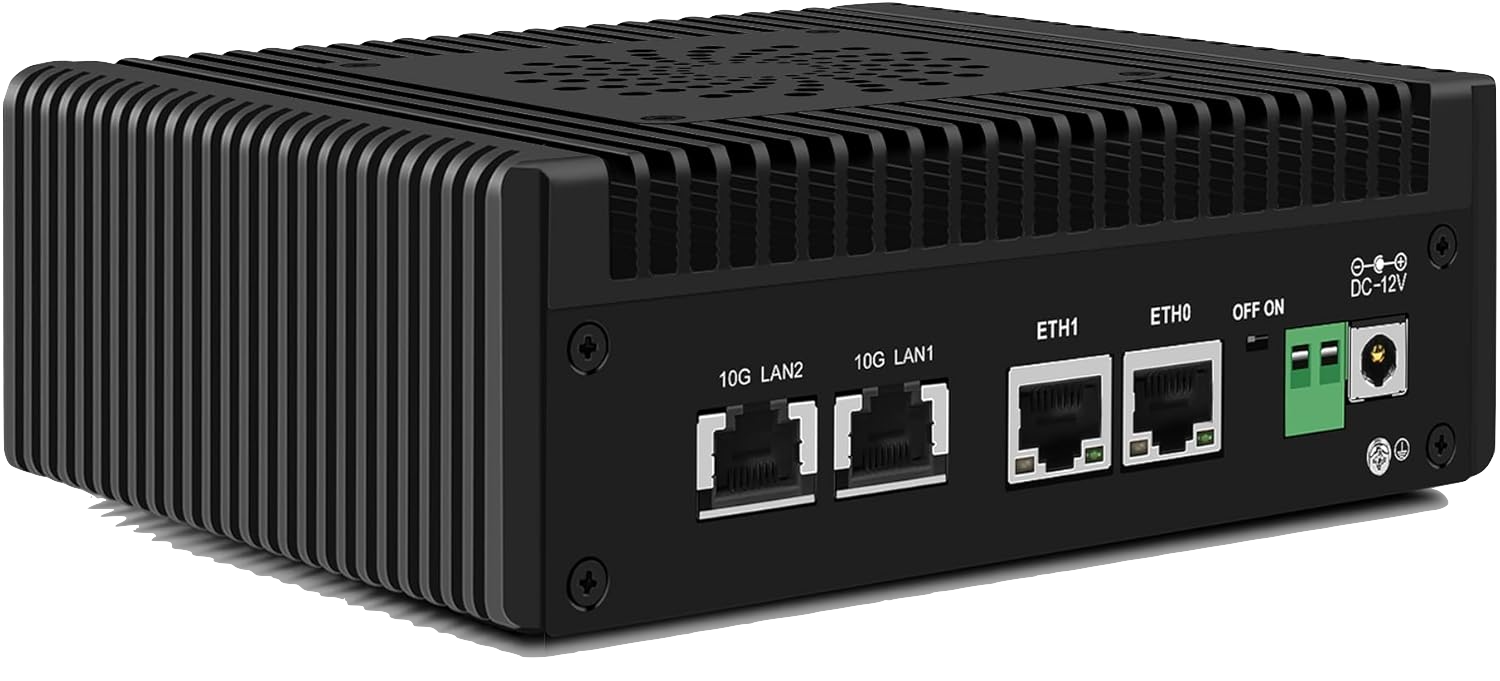
Ordered two Intel N150 Mini OPNSense appliances from Amazon.de for around CHF 240 each without RAM or SSD. The network interfaces are:
- 2 * 10GB RJ45
- 2 * 2.5GB RJ45
After install a NVMe SSD and a DDR5 SO-DIMM the appliance booted directly into OPNSense 26.1 installer from an attached USB stick. No fiddling first with BIOS settings.
Now the goal is to test the raw NAT performance via 10GB interfaces for WAN and LAN as well as WireGuard VPN performance from one LAN interface to the other LAN interface.
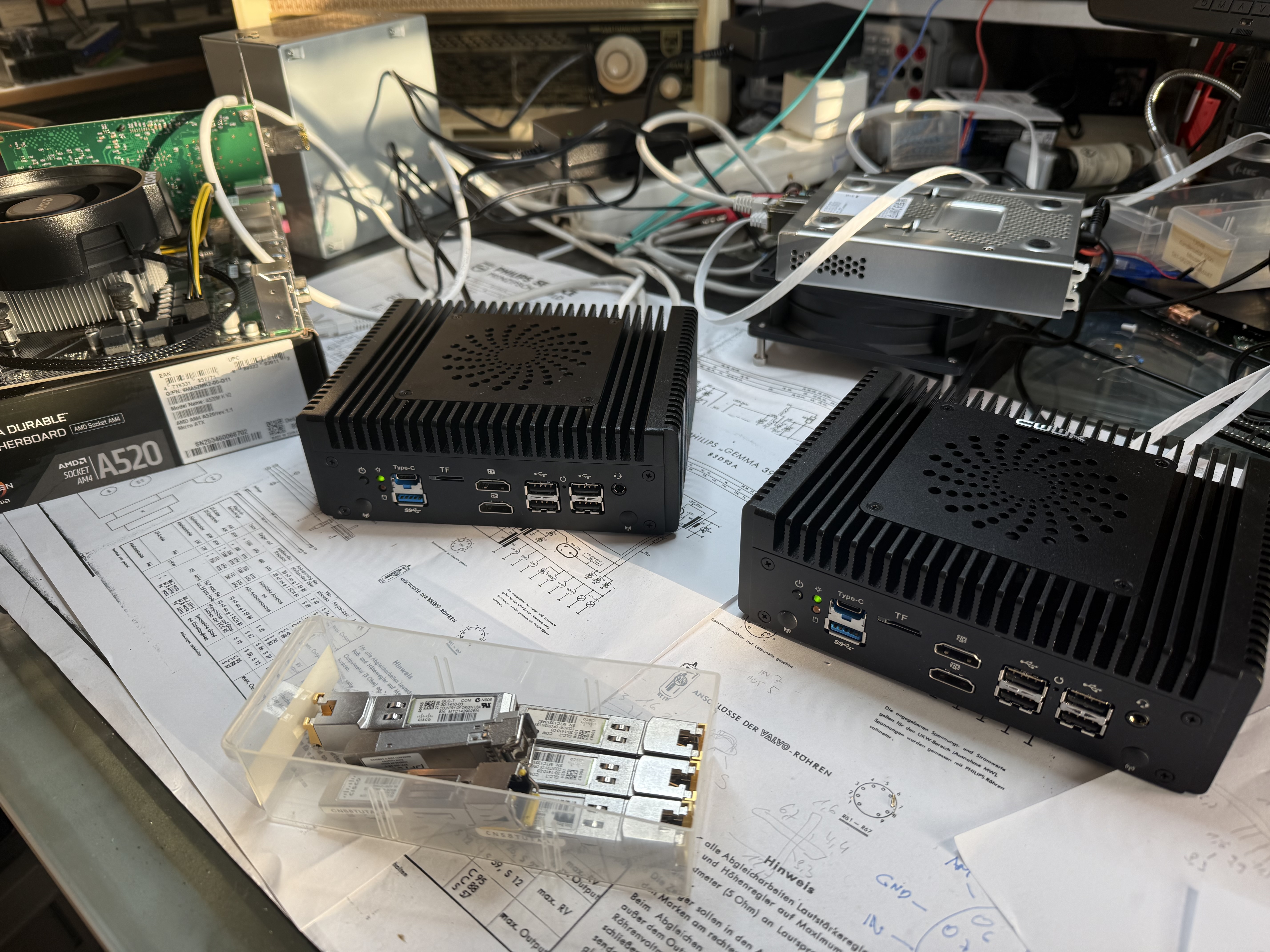
For the LAN side I use a cheap AM4 motherboard running Debian 13 and a PCIe SFP+ card. The other LAN side is hooked up to my Mac Studio M4 Max which has 10GB RJ45 built-in already.
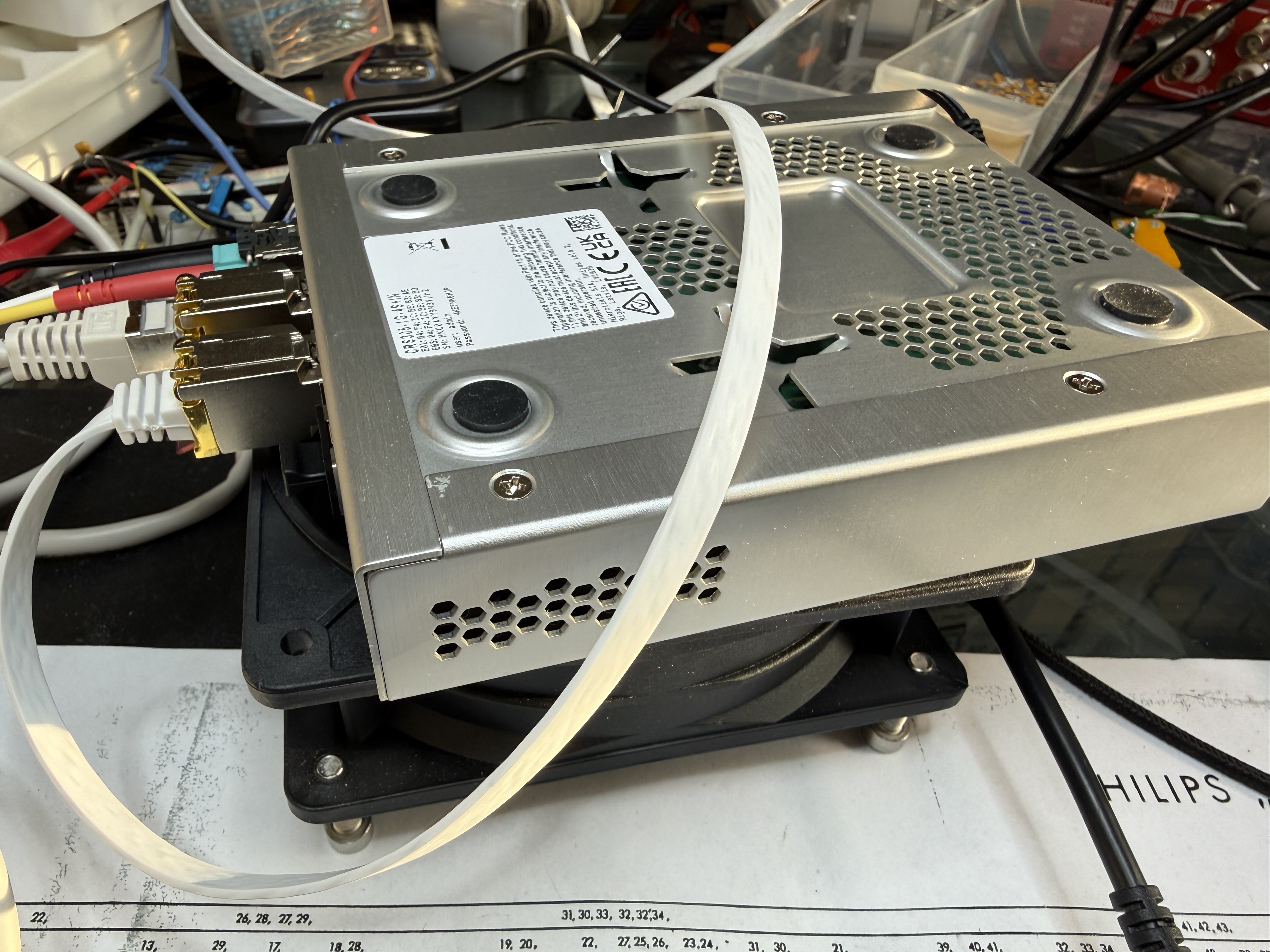
The first test showed that the SFP+ RJ45 modules from Mikrotik are running hot as hell, so the CRS305 switch, also from Mikrotik, shuts the modules down when temperature rises above 95°C. Before that the modules are starting to throttling the traffic. So a quick cooling setup has to be made:
WAN-to-WAN performance
Both OPNSense appliances share the WAN network and are connected via a Mikrotik CRS305 switch with two SFP+ RJ45 modules installed.
Iperf3 is installed on both firewalls and the test is done from the shell of OPNSense with one side acting as iperf3 server and the other one as client. First run with just one stream:
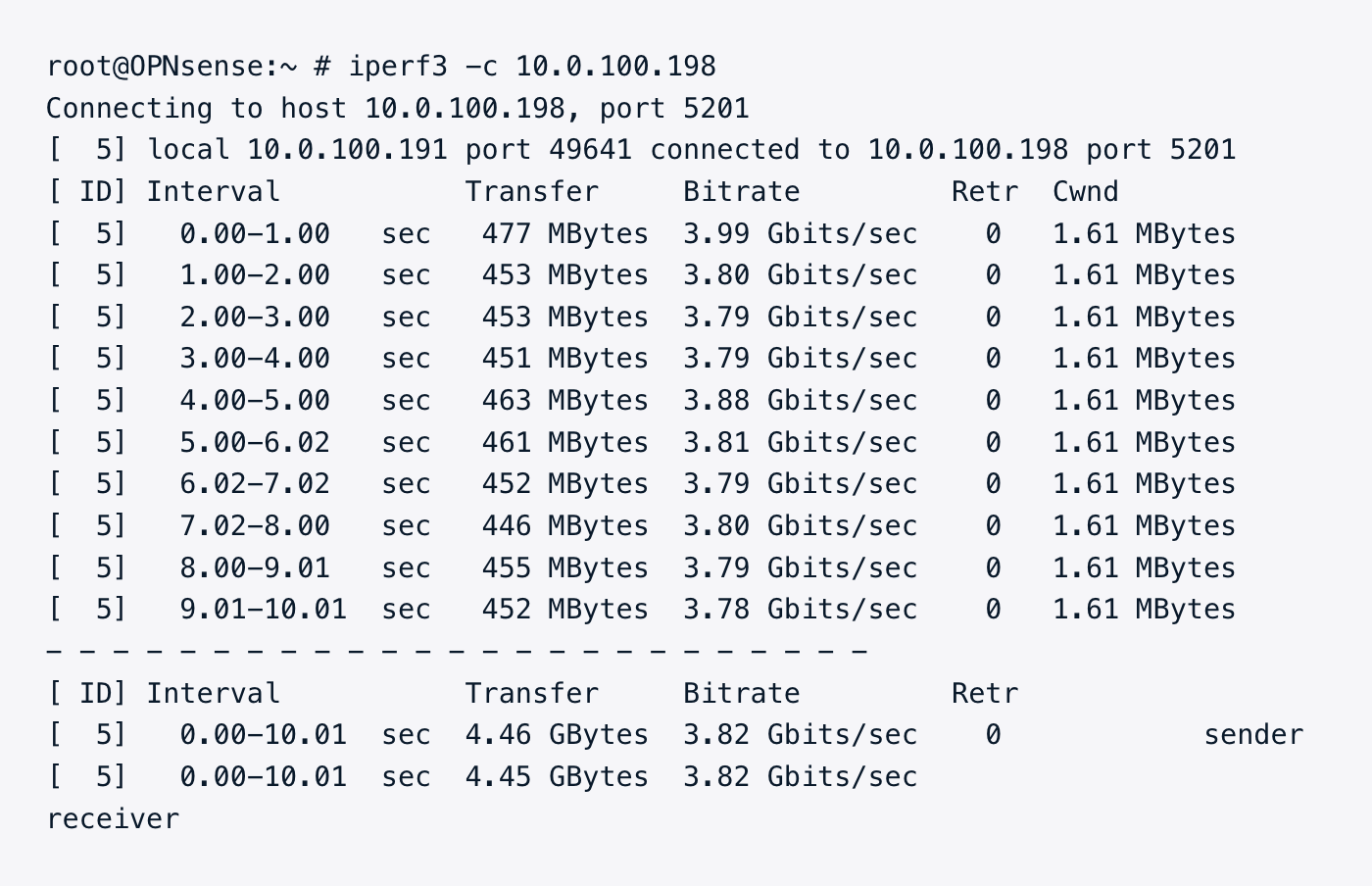
I would have expected more than just little below 4GBits/sec as the CPU was idle at around 50% during the quick test. Now let's try with 2 parallel streams:
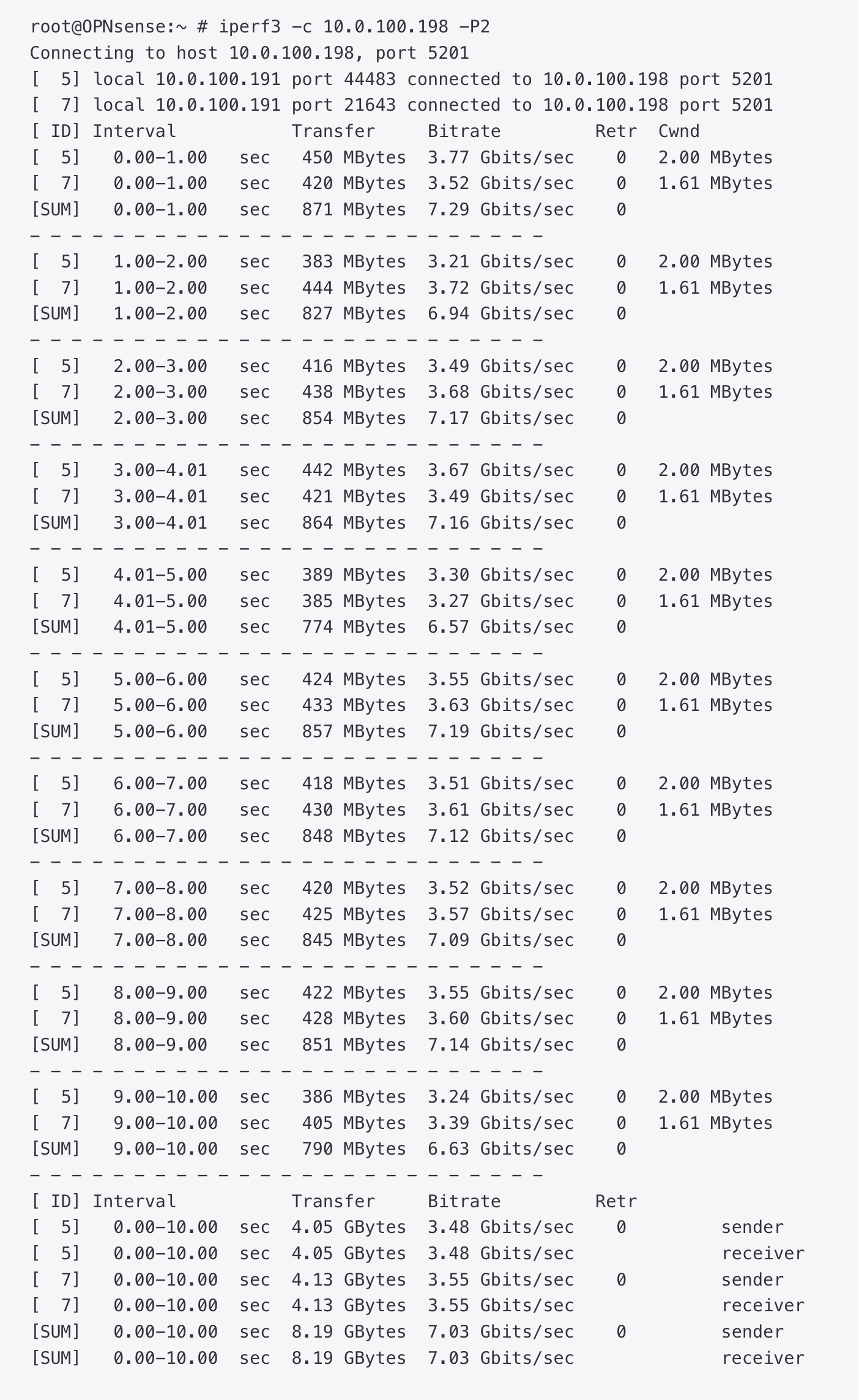
Not quite double the performance, and the CPU was idle in this test for around 10%. A reason for the low idle figure is the fact that I ran iperf3 on the firwall itself, therefore taking away precious CPU cycles.